Calculate in your notes
Add prices, work out percentages, and give numbers names such as tax or total. Keep the results with the notes that explain them.
 Notepad Calculator for Windows
Write a note. Add a calculation. Keep the answer beside your words. Notepad Math helps you plan budgets, make estimates, and keep notes in one Windows app.

How it works
Planning a small budget? List what you need, add the prices, and find the total in the same note. You can change it later.
List what you need. Add a price, a number, or a short explanation.
Type a calculation in the note. Run it when you choose, or turn on automatic calculation.
Keep the note in your local workspace. Open it again when you need to change something.
Choose a tab to see how notes and numbers can work together.
These are simple examples, not live calculations or app screenshots. The Windows app may show results differently.
Real app screenshots
Choose a topic to see a real screenshot of Notepad Math for Windows. Open any image to see it larger.
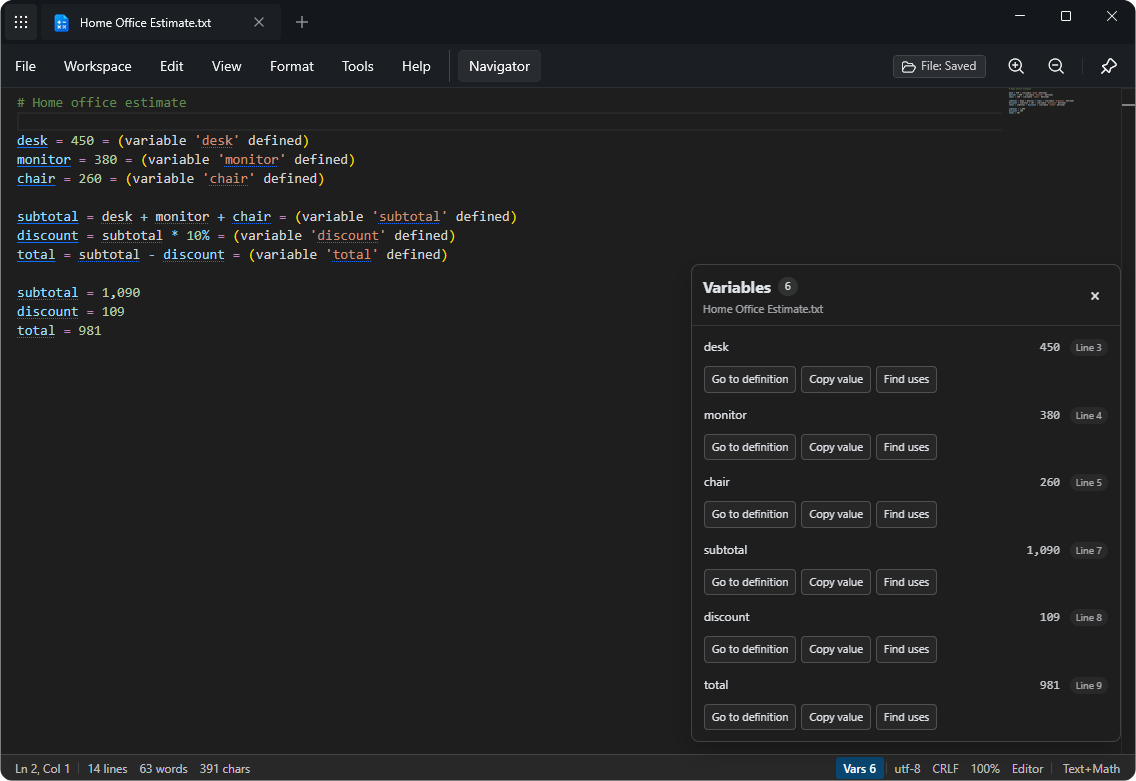
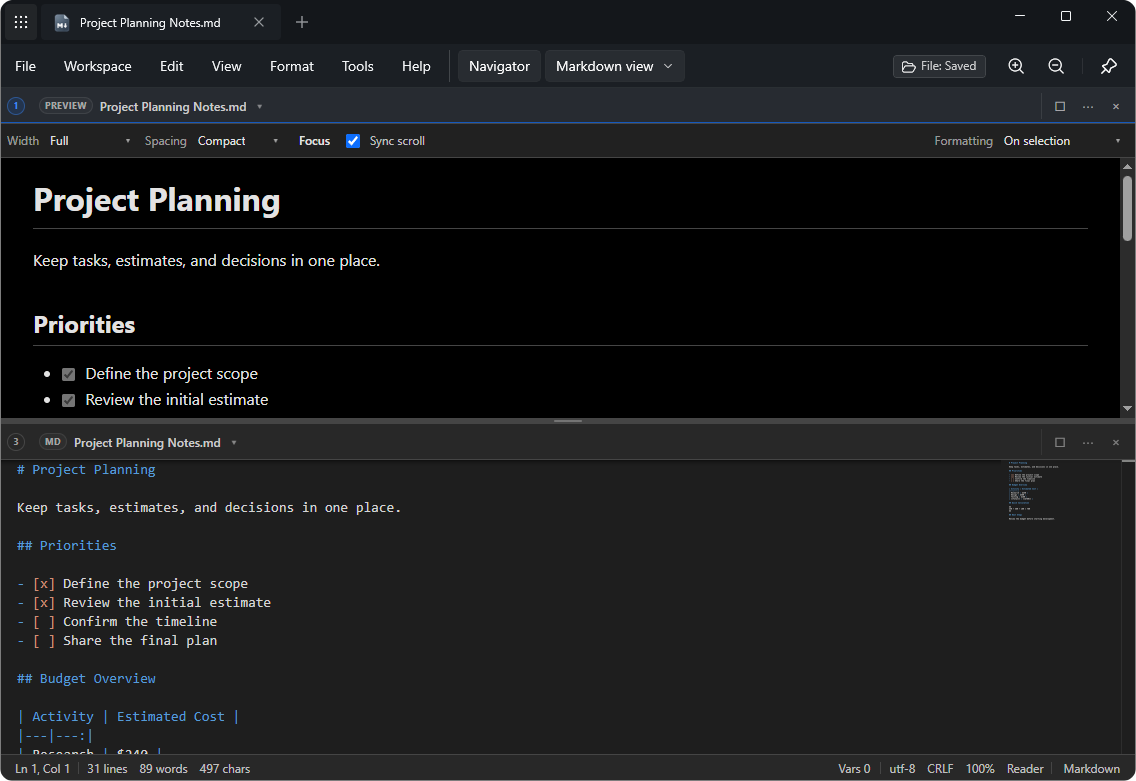
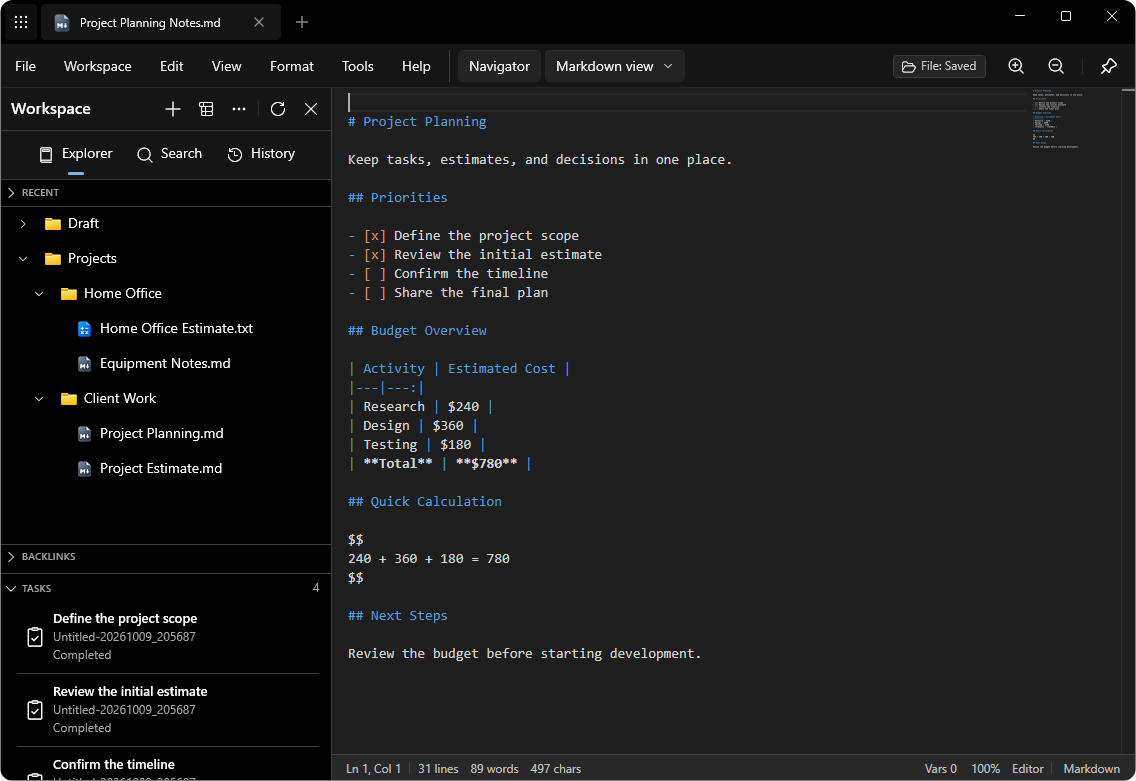
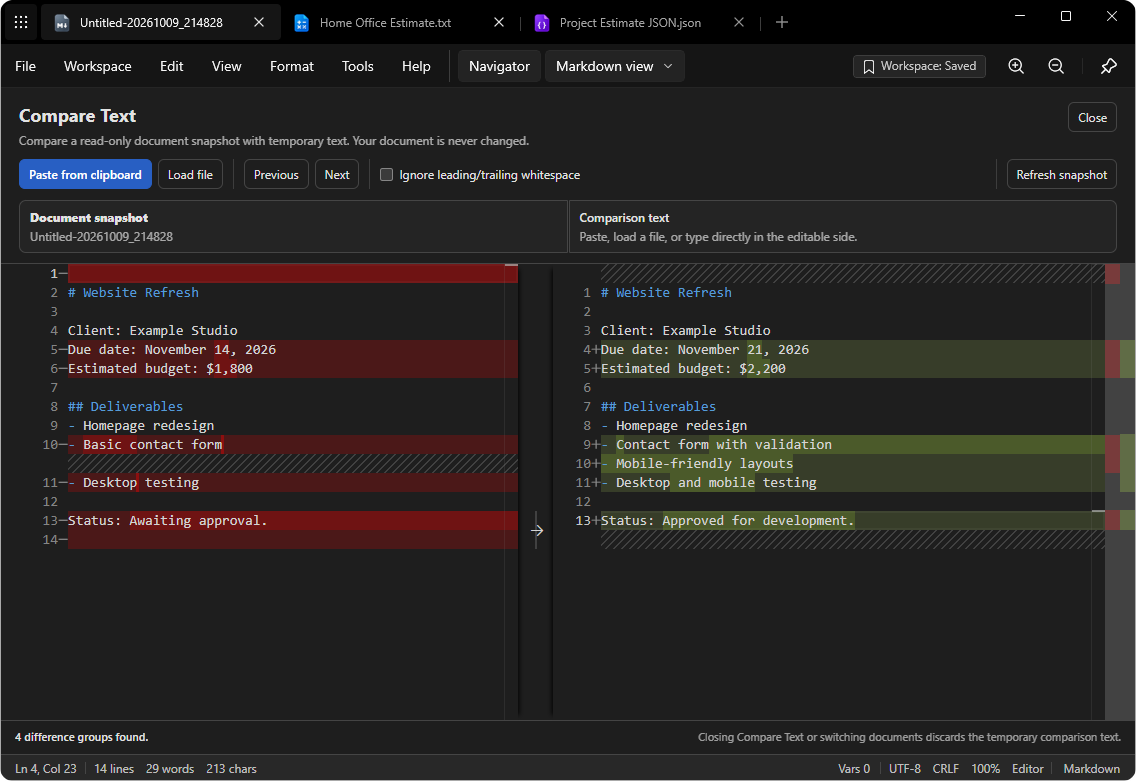
Write an estimate and see the numbers used to calculate the total.
Useful features
Start with a quick calculation. As your work grows, you can write longer notes, read documents, and keep files in one place.
Add prices, work out percentages, and give numbers names such as tax or total. Keep the results with the notes that explain them.
Use Markdown to add headings, lists, and links. Preview your notes with formatted text, math, and supported diagrams.
Organize your notes in a local workspace on your computer. Use folders and search to find them again.
Find and replace words, use keyboard shortcuts, and work with different kinds of text and code.
Format JSON and CSV files, compare two texts, or try HTTP and JavaScript tools when you need them.
Open a PDF when you need to check something. The app can read PDF files, but it does not edit their pages.
Everyday uses
Some tasks need more than a calculator, but not a full spreadsheet. These are a few ways to use Notepad Math.
List items, prices, and discounts. Keep the total and your notes together.
Write down decisions, tasks, and time estimates so you can check them later.
Write a formula and explain it in words. Add headings and lists with Markdown.
Compare two versions of a document, format JSON, or test small pieces of code.
Choose a look
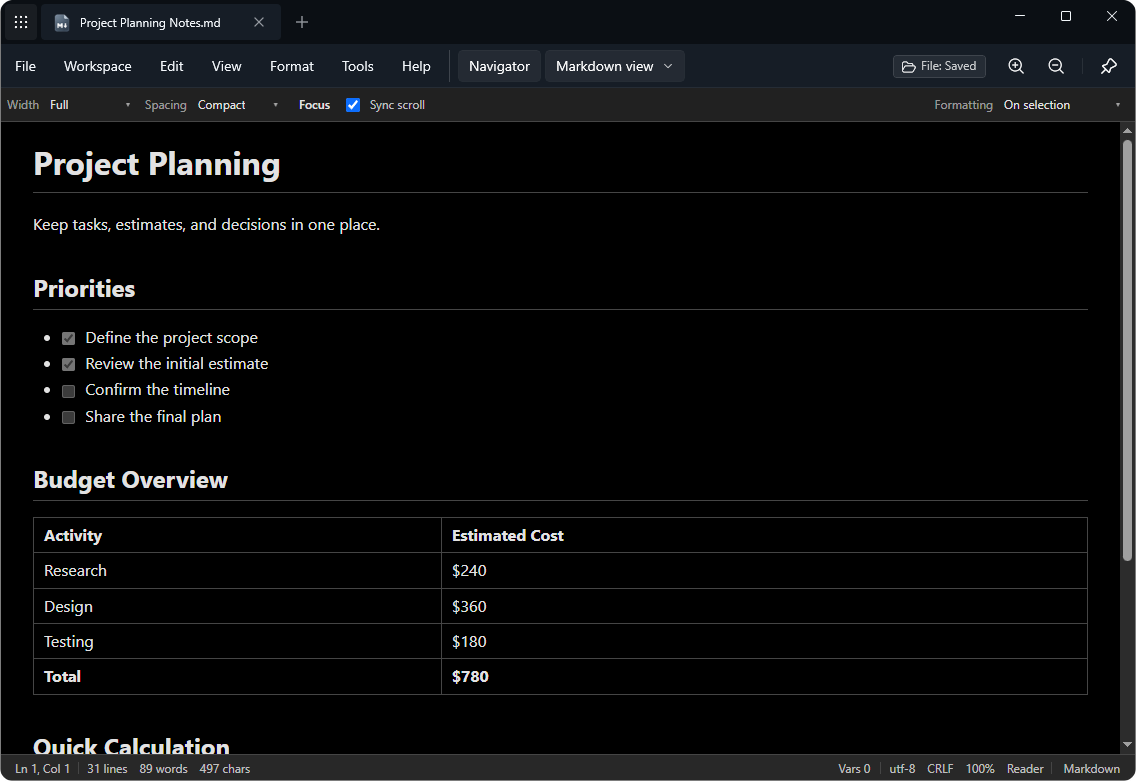
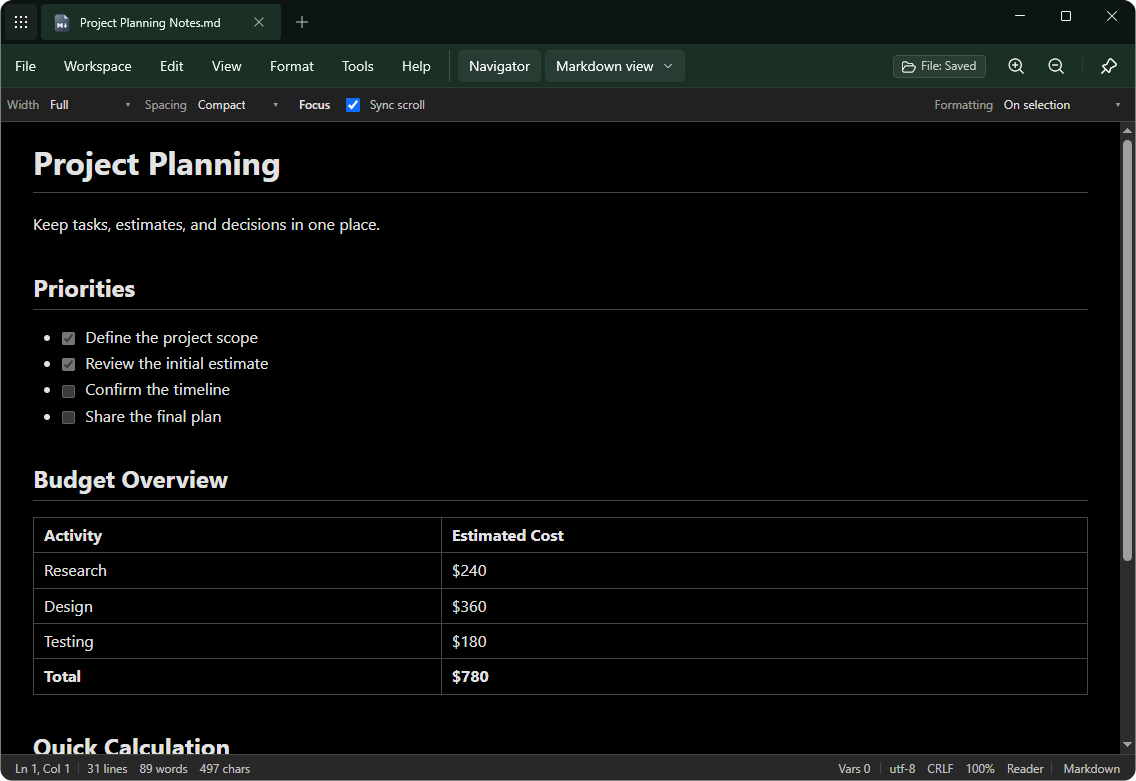
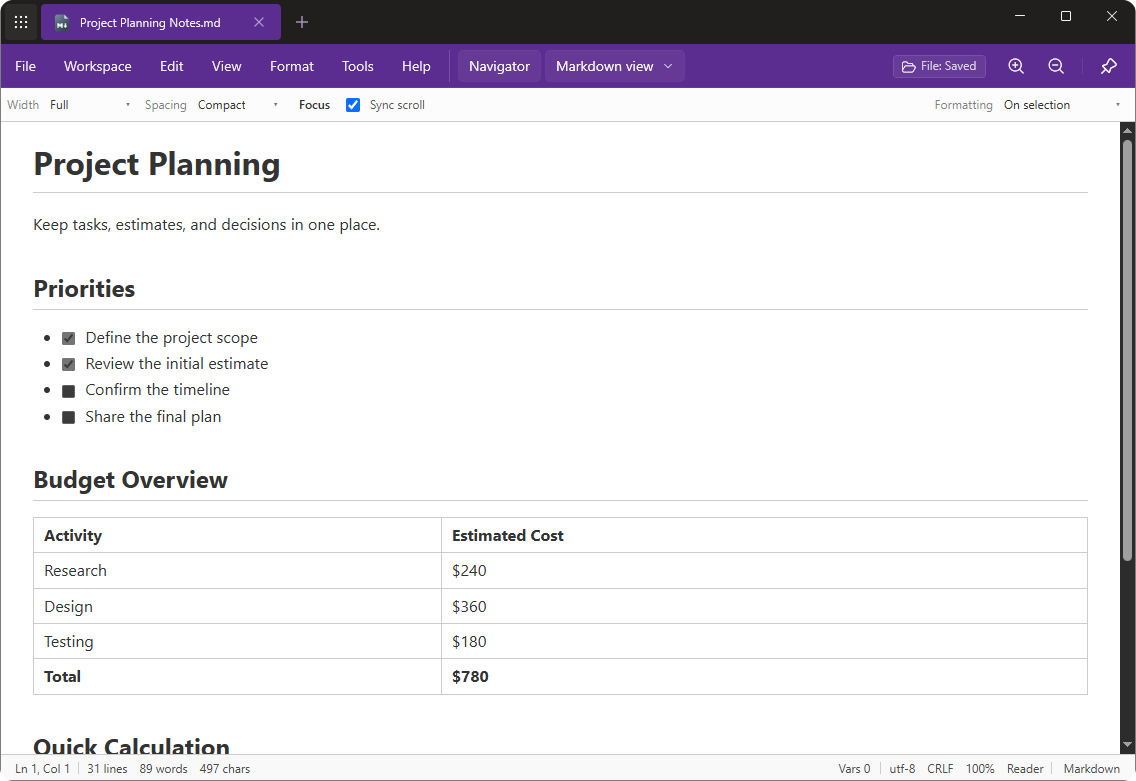
See the same note in three different themes. Pick a color to see a larger screenshot from the Windows app.
Notepad Companion for Chrome
Found useful text online? Select or copy it in Chrome, then open it to Notepad Math for Windows with the Notepad Companion extension. It also recognizes Markdown and SQL.

Notepad Companion is a Chrome extension. Notepad Math is the Windows app.
Good to know
Simple answers about calculations, notes, files, and the Chrome extension.
Both. Write a normal note and do calculations in the same document. The numbers stay beside the words that explain them.
You can run a calculation when you choose. The app also has an optional setting for automatic calculation.
Yes. Markdown helps you add headings, lists, and links. You can preview the finished note, including supported math and diagrams.
Notepad Math has a local workspace on your computer. You can organize notes in folders, search for them, and open regular files too.
You can open and read PDF files. The PDF reader does not edit PDF pages.
Some do. Certain editor layouts, version history, and encrypted backup tools need Premium. See the app and Microsoft Store for current details.
Yes. Notepad Companion is a Chrome extension. It open selected or copied text from Chrome to Notepad Math for Windows. It also recognizes Markdown and SQL.
Notes and numbers together
Keep prices, plans, and calculations in one place. Get Notepad Math for Windows through the official download page.